Saved characters
A face you name once and reuse in images, films and ads, without paying for its references again.
A saved character is a name, a description (the things that must stay the same: face, age, build, hair), a wardrobe, a few personality words, a reference sheet of photos, and optionally a voice. Once saved, the same person appears in every image and film you ask for, without describing them again.
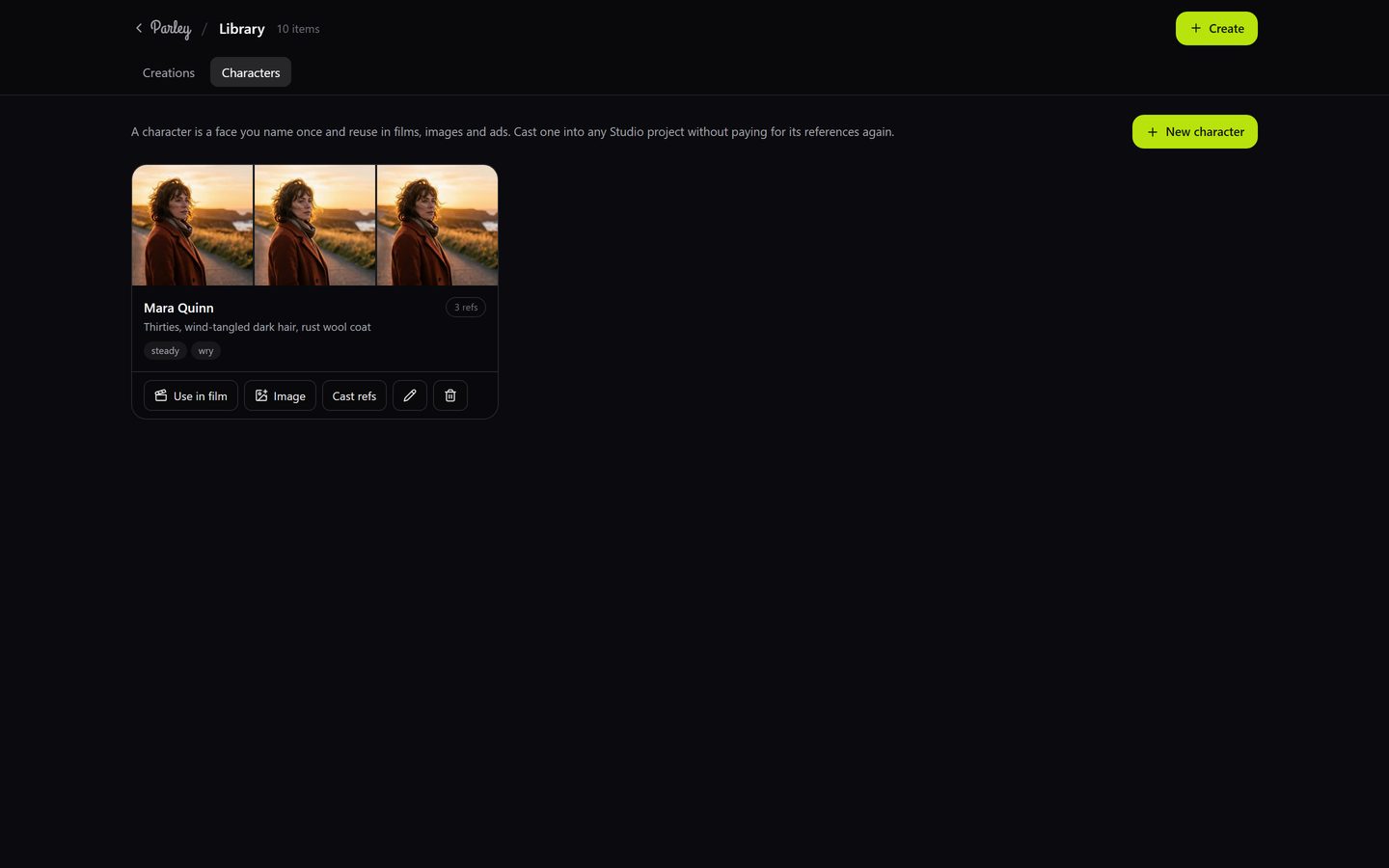
Create one
- Open Library → Characters and press New character.
- Give them a name and describe who they are. Add wardrobe and personality if they matter for the story.
- Upload reference photos (up to 12). Straight-on, well-lit, the same person in each. Save. Saving is free.
- To generate a sheet instead of (or on top of) uploads, press Cast refs: 1, 3 or 6 studio portraits at 3 credits each, anchored on the photos you already added.
Use one
- In chat: type @ and pick the name, then ask. "@Ava on a rooftop at dusk" makes the picture from Ava's photos; "a 20-second film with @Milo" casts Milo with his sheet already attached.
- Use in film: on the character's card, pick a Studio project. The character joins it with their sheet and voice, at no cost.
- Image: on the card, opens the Image station with the face as the reference.
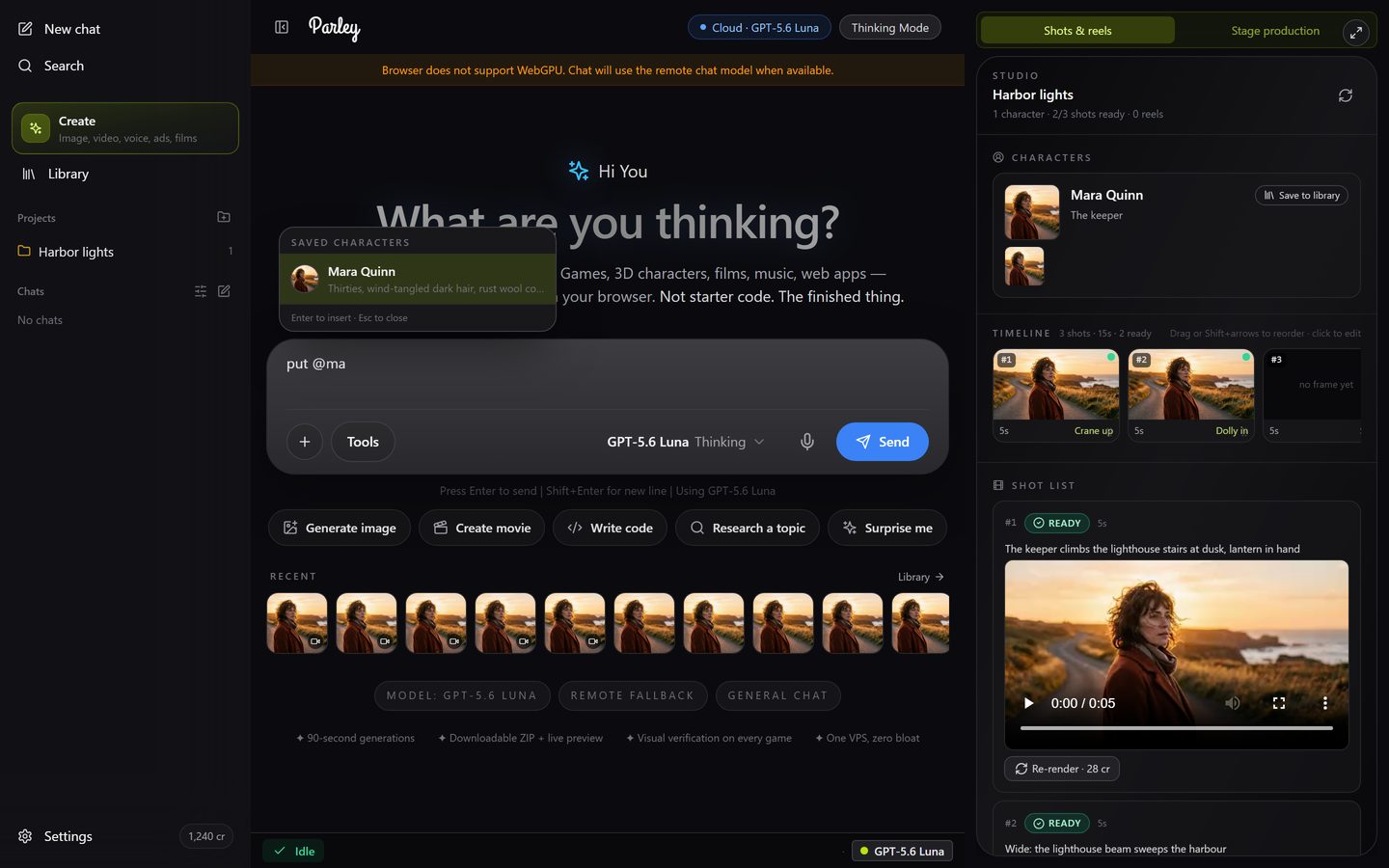
From a film to the Library
In a Studio project's panel, each character has Save to library. Once saved, that face is available to every future film and to the Image station.