Install the desktop app
Download Parley for Windows, run the installer, and let first-run set up a local model sized to your hardware.
Parley runs in any browser with nothing to install. The desktop app adds what a browser tab cannot do: models far larger than the browser ceiling running on your own hardware, a real terminal and filesystem, and full offline use once a model is downloaded.
1. Install with one command
Parley installs through a package manager rather than a downloaded file. One command fetches it, verifies the checksum and installs it - with none of the "unknown publisher" warnings Windows shows for anything downloaded through a browser.
First install Scoop, the package manager. Run these in PowerShell - not Command Prompt, where the commands will not be recognised. No administrator rights are needed; Scoop installs into your user folder.
Set-ExecutionPolicy -ExecutionPolicy RemoteSigned -Scope CurrentUser
Invoke-RestMethod -Uri https://get.scoop.sh | Invoke-Expressionscoop bucket add parley https://www.parley.live/scoop/parley-bucket.git
scoop install parleyUpdating and removing
scoop update parley
scoop uninstall parley
2. What the command does
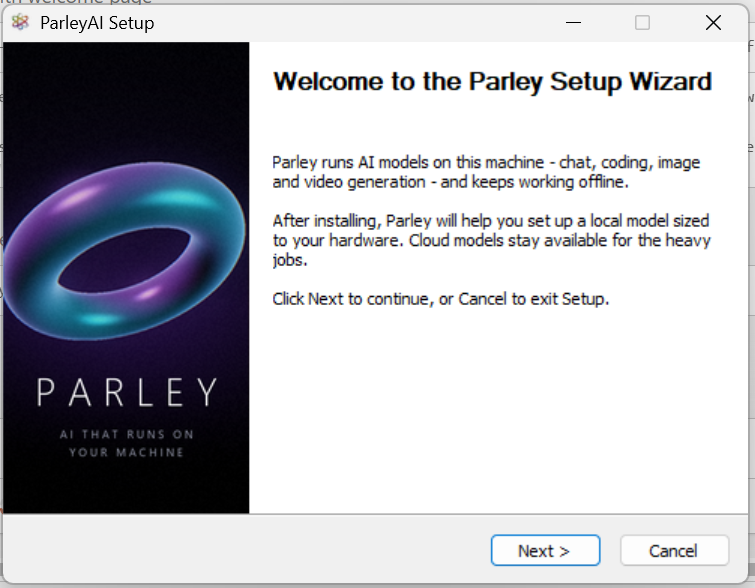
- Downloads the installer and verifies its SHA-256 checksum.
- Runs the setup silently into your Scoop apps folder - no administrator rights needed.
- Adds a Parley shortcut to your Start menu.
- Records the version so `scoop update parley` can upgrade it later.
3. First run
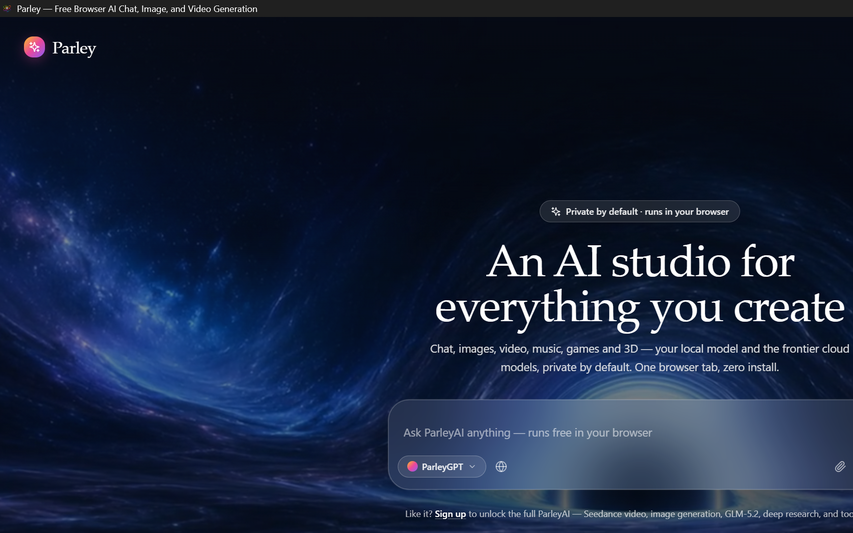
The first launch walks through a short setup: it reads your hardware, offers to install the local AI engine, and recommends a model sized to your machine. You can skip any step and use cloud models instead.
4. The local AI engine
Local models run through Ollama. Parley downloads the official installer for you and opens it; you approve the install the same way you would for any other app. Nothing is installed silently. On Linux, Parley shows the one-line command to run instead, because the official installer there needs root.
Desktop or browser?
| Browser | Desktop app | |
|---|---|---|
| Install | None | One installer |
| Largest local model | About 8B (browser limit) | Limited only by your hardware |
| Works offline | Chat only, once cached | Yes, once a model is downloaded |
| Terminal and filesystem | No | Yes |
| Cloud models | Yes | Yes |