The Create hub
One place to start anything: images, video, voice, ads, thumbnails, avatars, and the projects the agent builds.
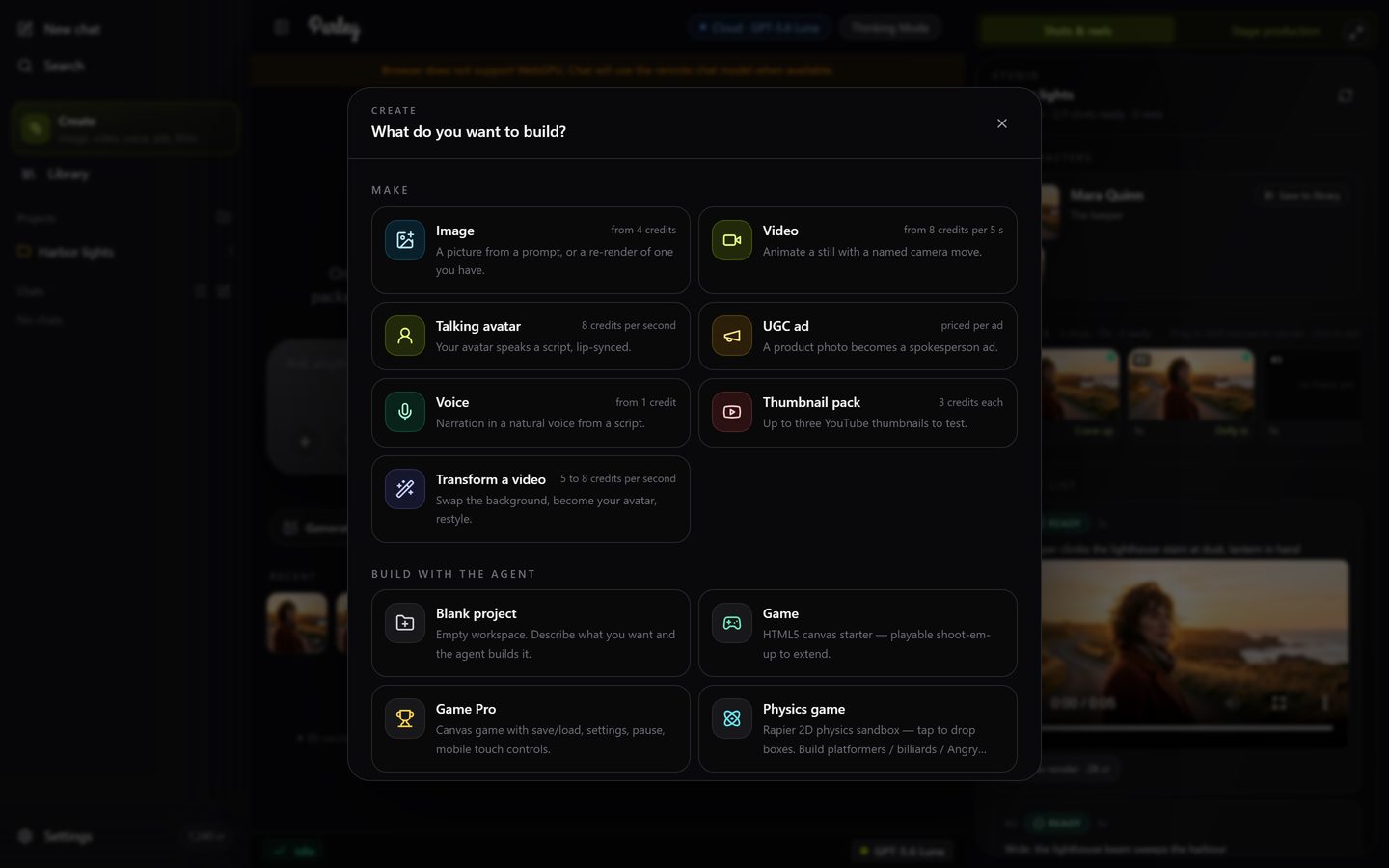
Click Create in the sidebar (or open /create). The hub has two rows. Make is for a single piece of media through a short form; Build with the agent is for a project the agent works on with you. Every Make card shows its price.
The stations
| Station | What it makes | Price |
|---|---|---|
| Image | A picture from a prompt, or a re-render of one you already have: make it 3D, restyle it, change the background. | Budget 4, Standard 5, Detailed 4K 8 credits. |
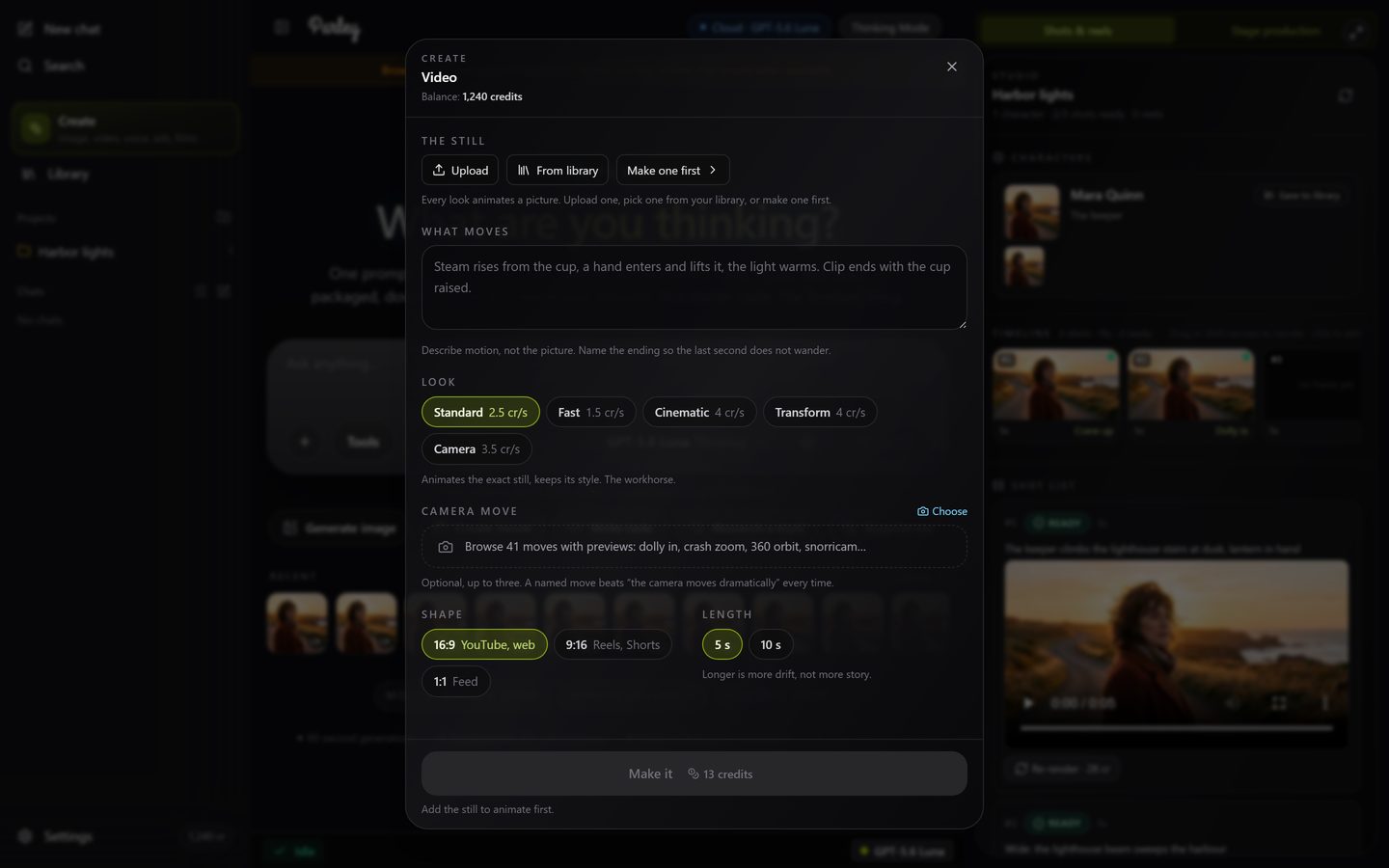
| Video | A still animated into a clip, with a named camera move if you want one. | 5 seconds from 8 credits (Fast) to 20 (Cinematic); Standard is 13. |
| Talking avatar | Your avatar speaks a script, lip-synced. | 8 credits per second. |
| UGC ad | A product photo becomes a spokesperson ad ending on a shop card. | Per ad, shown before you start. |
| Voice | Narration from a script in a natural voice. | From 1 credit per 1,000 characters. |
| Thumbnail pack | Up to three YouTube thumbnails to test against each other. | 3 credits each. |
| Transform a video | Swap the background, become your avatar, or restyle a clip you upload. | 5 to 8 credits per second. |
How a station works
- Fill in the few fields. A station asks only for what it needs; a still or a reference picture can come from an upload or from your Library.
- Read the price on the button. It updates as you change options. If your balance cannot cover it, the button waits and a Top up sits next to it.
- Press Make it. Progress shows on the button. The result appears in the station, in your chat, and in your Library.
- Use the result: on an image, Animate this opens the Video station with that still; Variant makes another from it; Make another keeps your settings.
Build with the agent
The second row starts a project: a blank workspace, a game, a 3D scene, a web app, a Roblox experience, a film in the Studio, or a full YouTube video. Pick one, name it, describe what you want, and the agent builds it in the workspace beside the chat. See Building apps, games & 3D, The Studio and YouTube Studio.
Straight to a station
Bookmark /create/video, /create/image, /create/voice or /create/thumbnail to open a station directly, and /create for the hub. A project's own address (/p/ followed by its id, the one in your browser bar while the project is open) brings you back to its workspace.